Loading…
Start with the car in your driveway.
Pick your model and the wraps below narrow to the ones built for its screen.
Which Tesla do you drive?
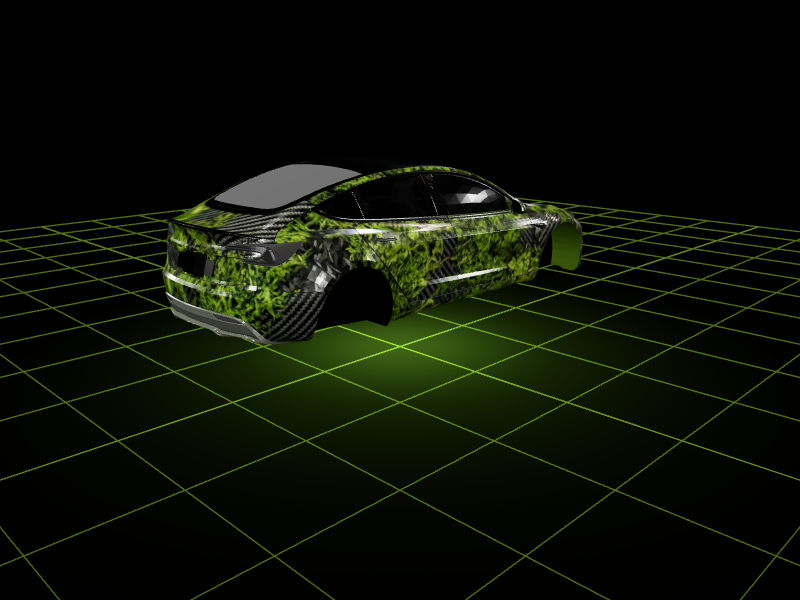
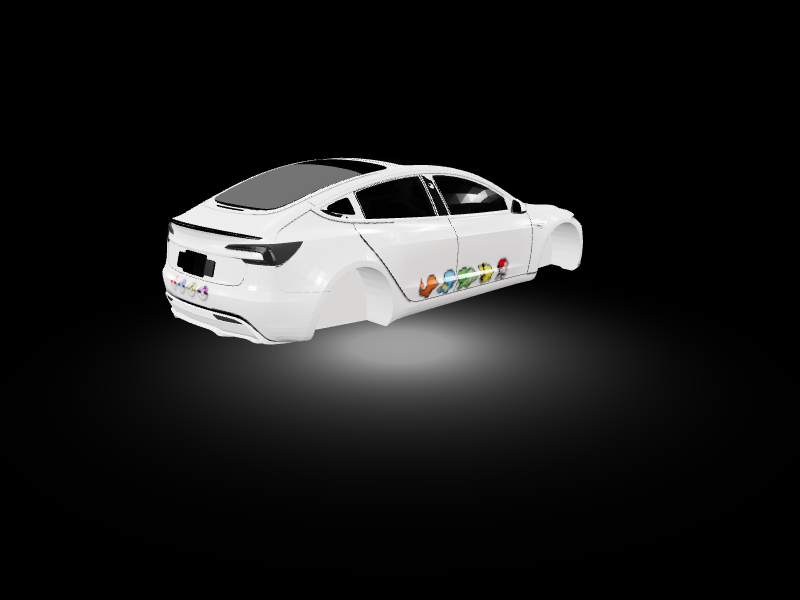
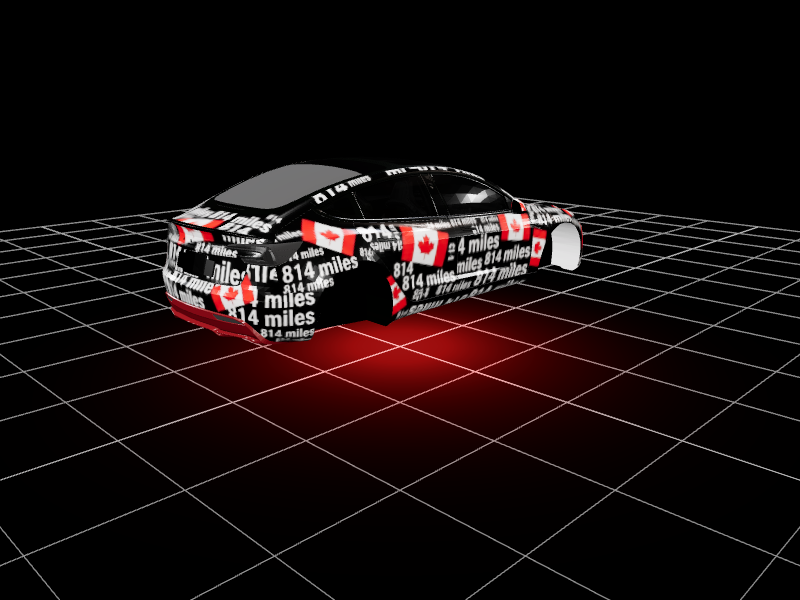
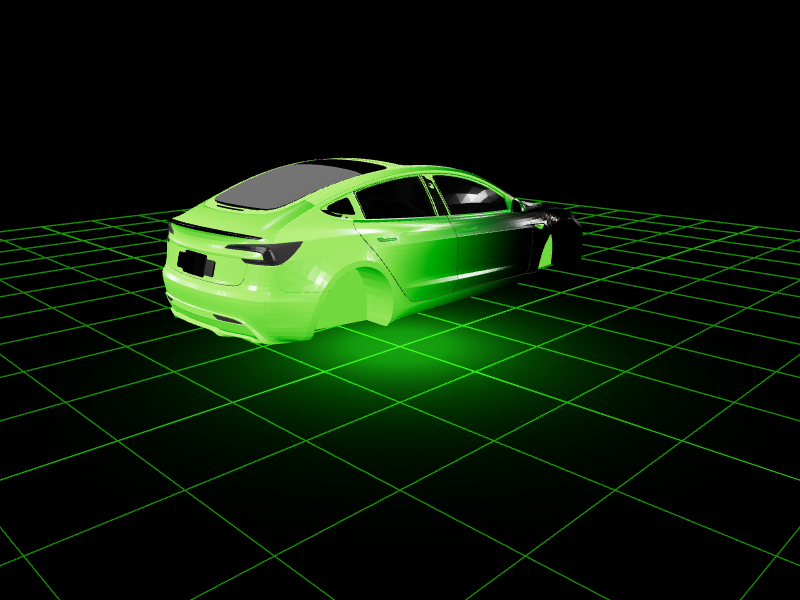
01Design itDescribe it to the AI or draw it in the 2D studio.
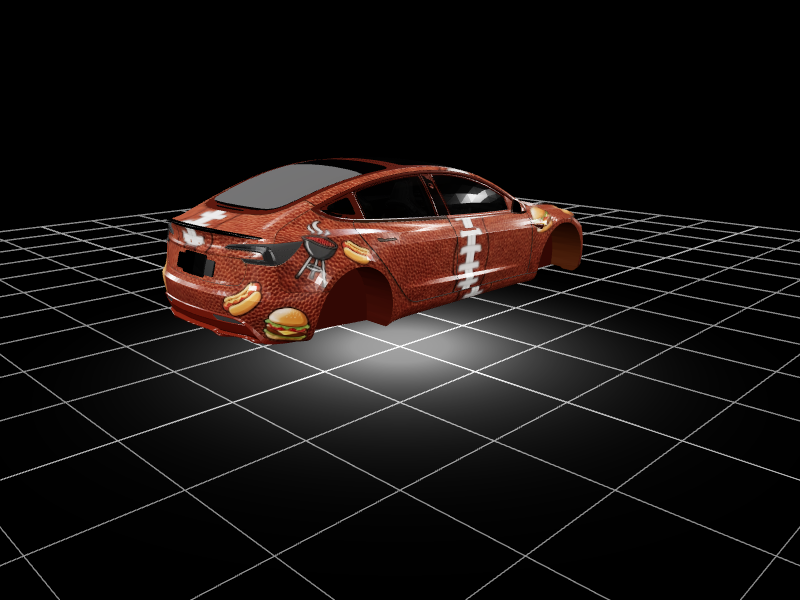
02See it on your carLive 3D preview on your exact model, before you commit to anything.
03Send it to the carExport a Tesla-ready file and load it from a USB drive.

What you get
Everything you need to design a wrap and get it onto your screen.
AI generation
Describe the design you want and the AI builds it onto your template.
Design studio
Full canvas editor with layers, text, shapes, and custom image uploads.
Tesla-ready export
Download properly formatted files ready for your Tesla USB drive.
All models supported
Templates for Model 3, Y, S, X, and Cybertruck with accurate mapping.
Community gallery
Share your designs, or start from someone else's instead of a blank canvas.
The Garage (Beta)
Design directly on a live 3D car. Click a panel to place text and stickers, then watch them land exactly where you put them.